
 Case study
How Baumit Turned Loyalty Into Commercial Intelligence
How Agdali replaced two rounds of manual data entry with a single photograph, then turned verified receipt data into commercial insight for Baumit's team.
Visit Baumit Klub ↗Results
6–7×
faster receipt verification
Reported by Baumit, comparing the current process to manual entry
+50%
electronically registered members
Within 2–3 weeks of launch, against the previous version of Baumit Klub
+60%
active members
Against the total number of active members in the previous year
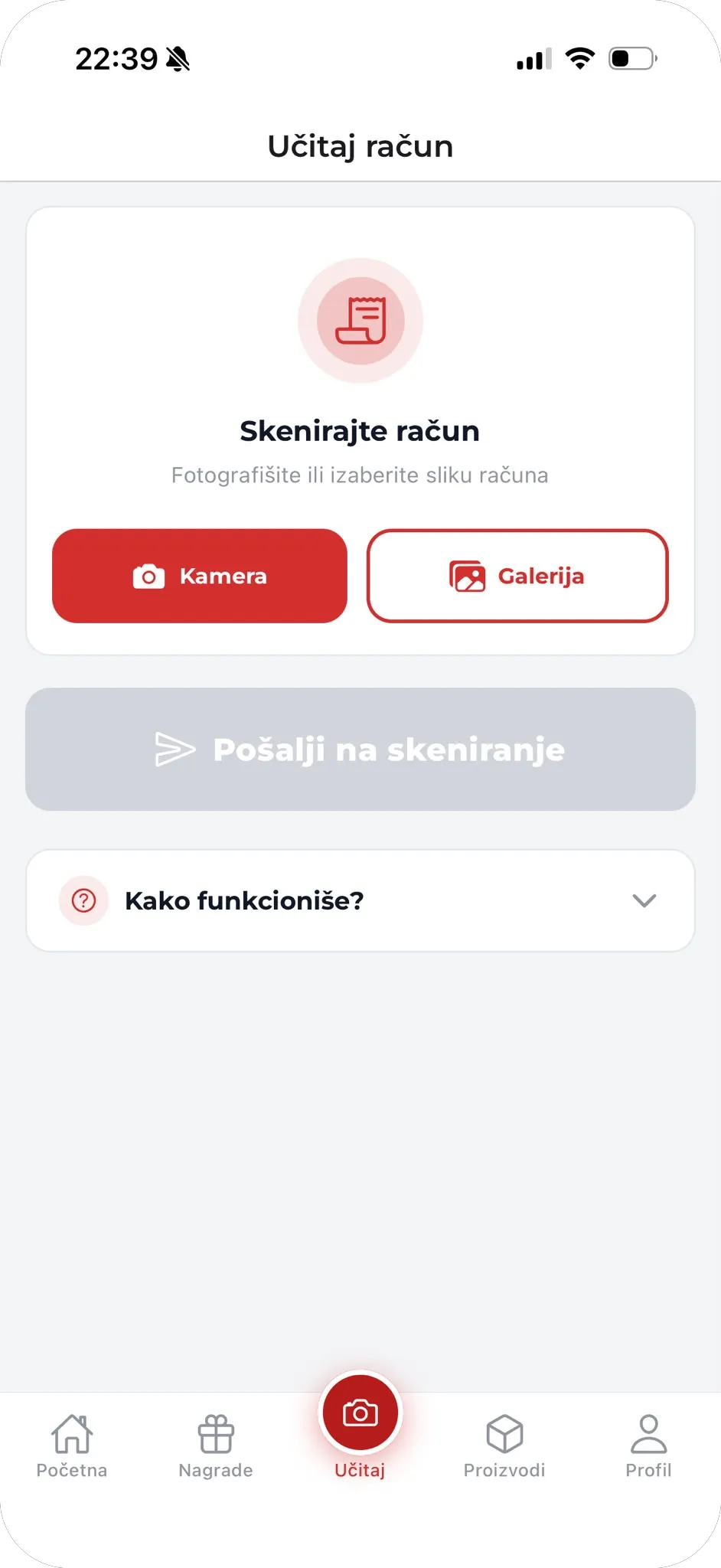
Upload a receipt — the whole submission
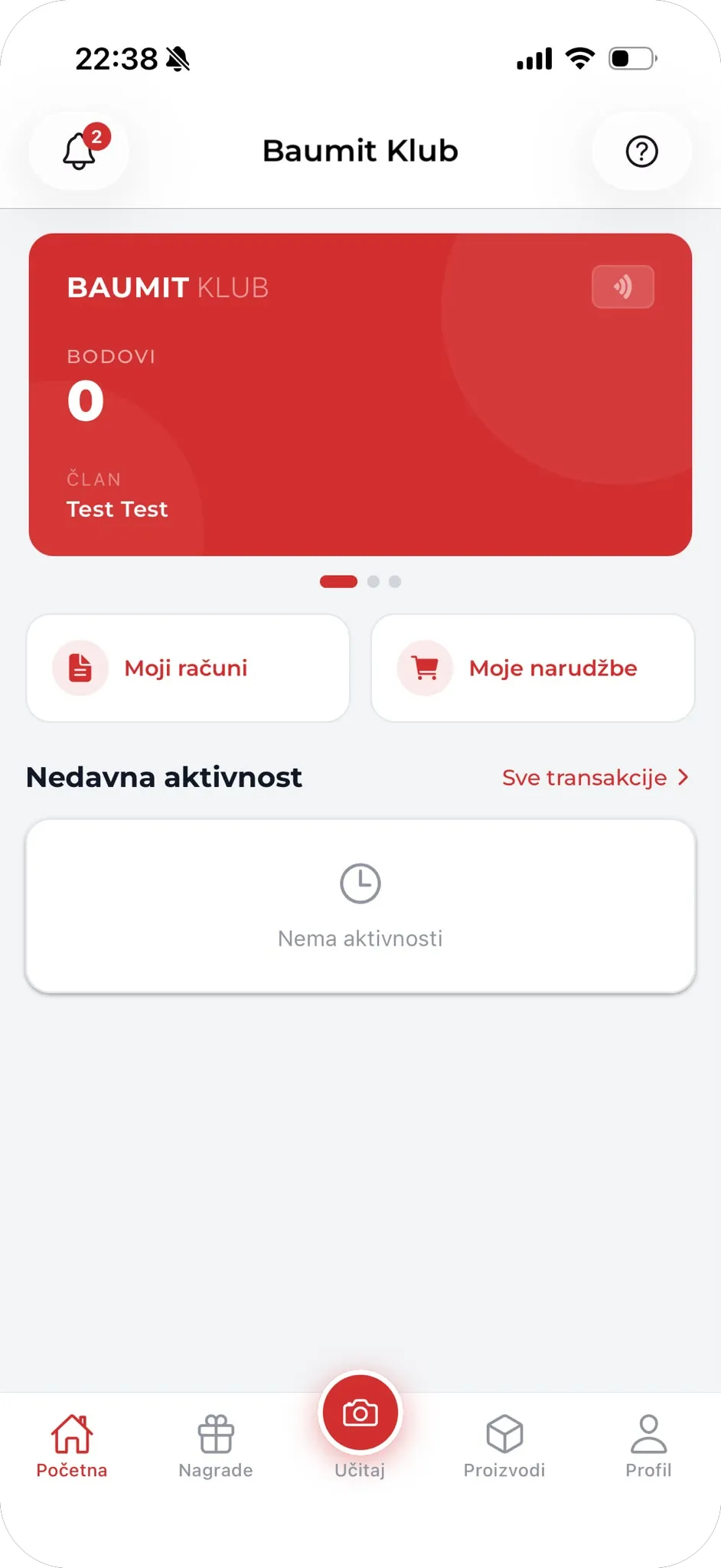
Points balance and recent activity
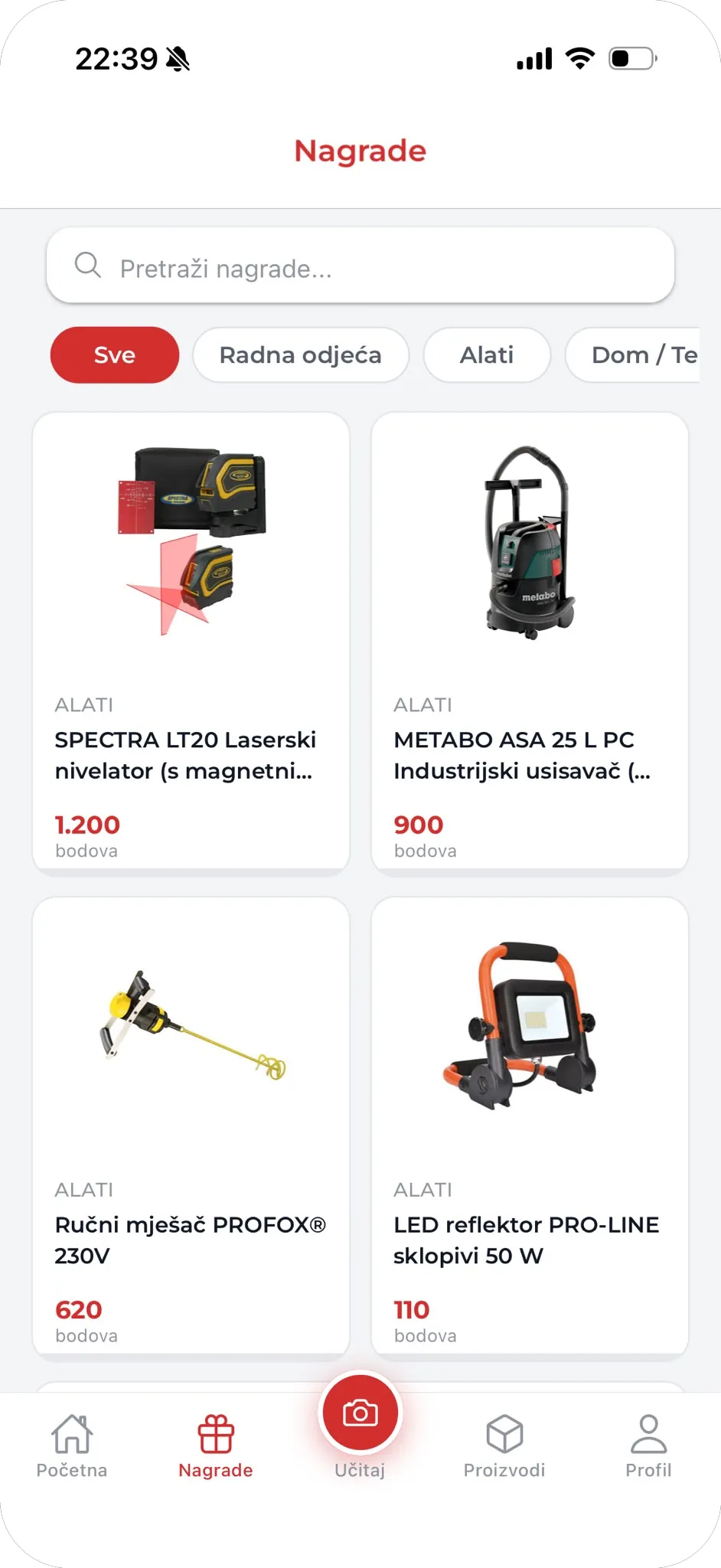
Rewards catalogue
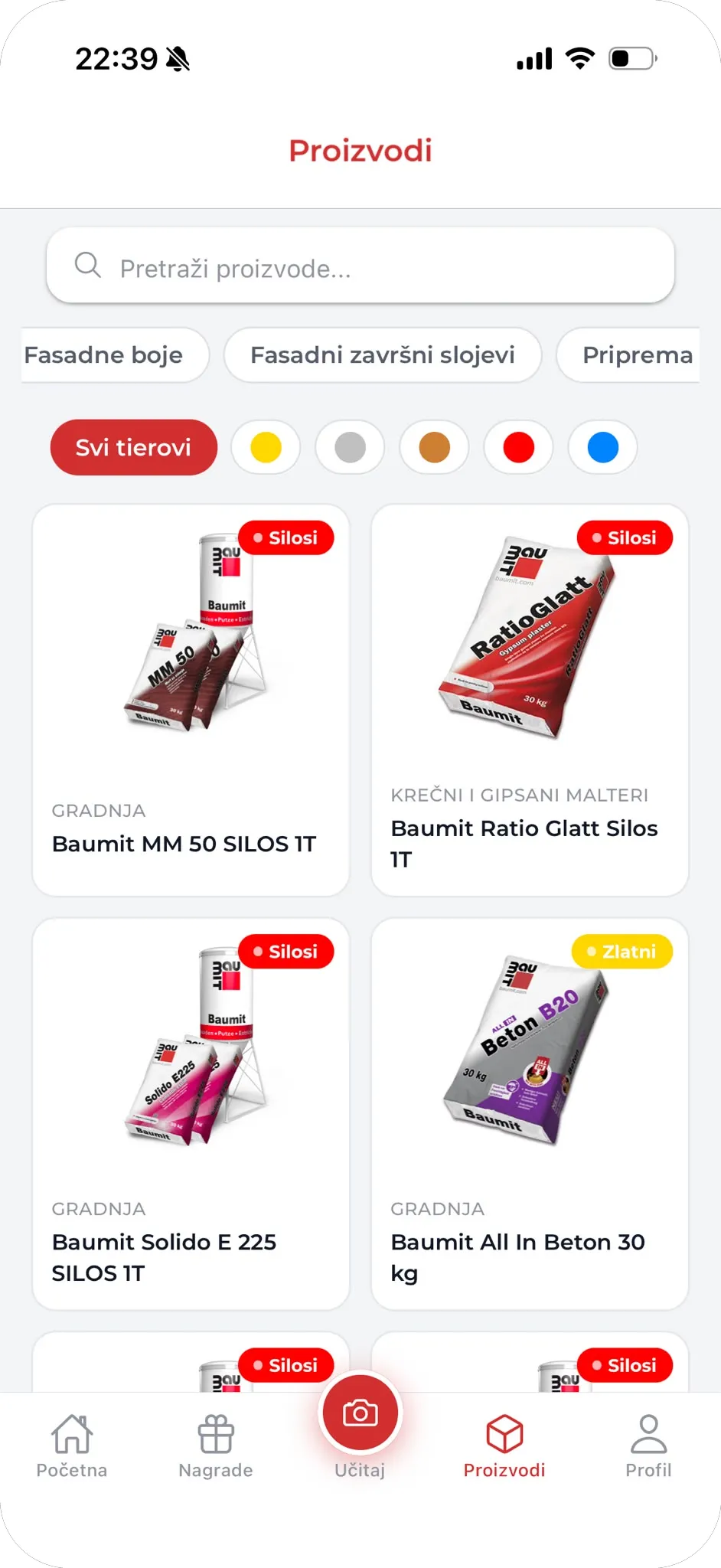
Product catalogue and tiers
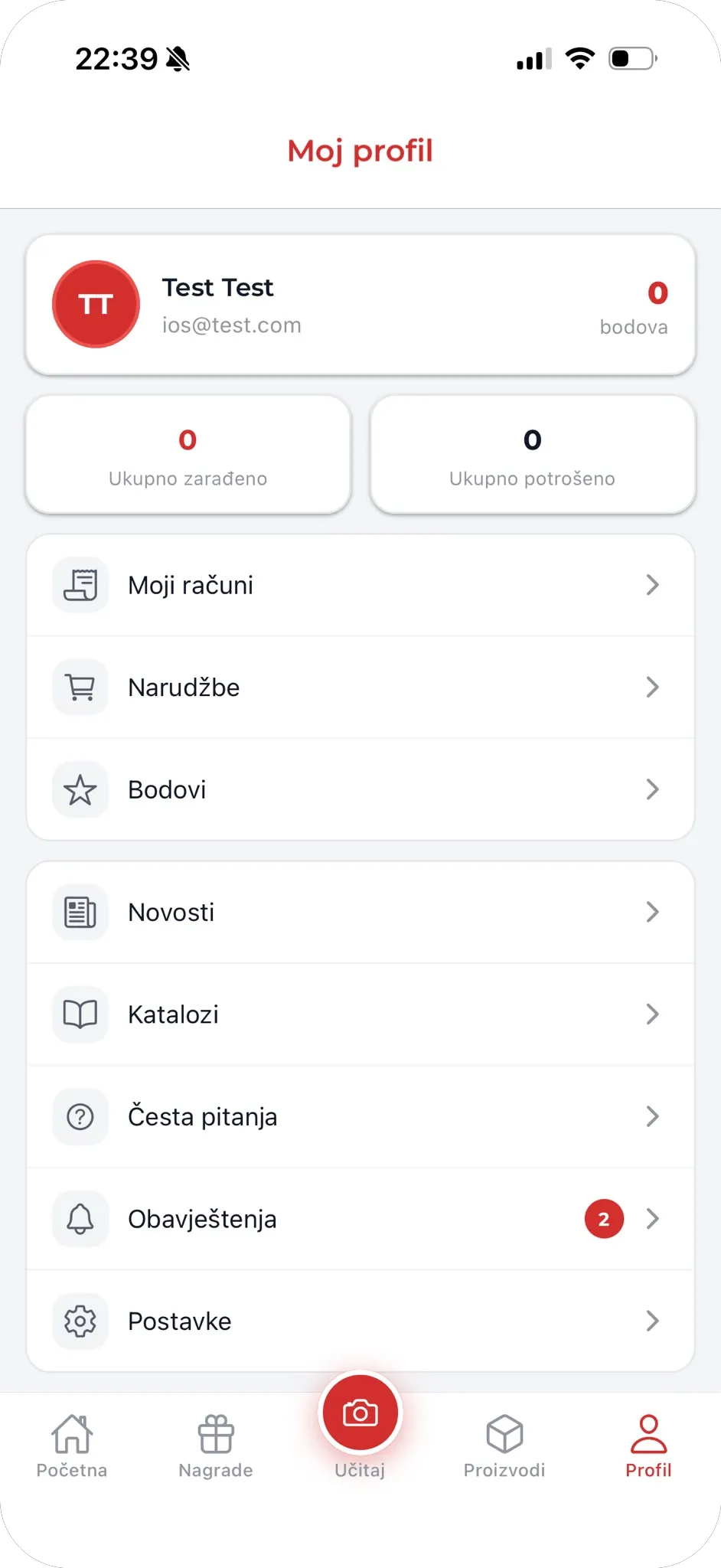
Member profile
The challenge
When Baumit came to us, every loyalty point in Baumit Klub was passing through two separate rounds of manual data entry.
A craftsman photographed a fiscal receipt and uploaded it to the system — and then typed in everything the receipt already said: the place of purchase, the store, the date, the total value of Baumit products on the receipt, the receipt number, and the rest of the required fields.
An administrator opened the photograph next to the submitted form and compared them field by field to confirm that what had been entered matched what was actually on the receipt.
Once it checked out, the administrator re-keyed the data into an Excel workbook. The receipt photographs never made it into the spreadsheet at all — only the data about the Baumit articles on them.
Each Baumit article was one row. A receipt with five Baumit articles became five rows, with the purchase date and receipt number repeated in every one of them, and only the article details changing from row to row.
I think the app has brought a lot of benefits for the craftsmen, since now they only need to photograph and upload the fiscal receipt, with no need to manually enter the data from it. The AI automatically recognises all the necessary data on the receipt and transfers it into the database.
 Fatih JusupovićMarketing Director, BaumitTranslated from Bosnian. Original quote available on the Bosnian version of this page.
What we built
We built Baumit Klub as a native mobile app for iOS and Android, a web app for members who prefer a desktop, and an admin workspace for Baumit's own team.
The centre of the app is a camera button. A craftsman photographs a receipt, sends it to scan, and is finished. There is no form.
Behind that button we built the receipt extraction pipeline. We read the photograph, pull out the place of purchase, the store, the date, the receipt number and every Baumit article with its value, match the records to Baumit products, and write them into the database as structured records — the same fields the old form asked members to type by hand.
For Baumit's administrators we built a review queue that puts the receipt and the extracted data side by side, so the entire job is one decision: Approve or Reject.
Once approved, the same structured data awards the user and gives Baumit a clearer view of product performance by region and sales channel — including where the brand does not operate its own local store.
The process has been made significantly easier for the administrator as well, because there is no longer any need for manual data entry or for keeping an Excel sheet. The administrator only needs to review the receipt and click Approve or Reject.
Fatih JusupovićMarketing Director, BaumitTranslated from Bosnian. Original quote available on the Bosnian version of this page.What changed
For the craftsman, the eleven fields are gone. Photograph, upload, done.
For the administrator, there is no form to compare against a photograph, nothing to re-key, and no Excel workbook to maintain — and unlike the spreadsheet, the receipt image now stays attached to the record it belongs to.
Baumit reports that verification is 6–7× faster than it was, and that membership grew sharply in the weeks after launch.
Have a manual process that should be one click?